Remote work isn’t going anywhere — and neither are the headaches that come with it. AI time tracking software can help address issues like missed deadlines, payroll disputes, and managers who have no idea what their team actually did between 9 and 5. If any of that sounds familiar, your business may already be losing money to poor time tracking and weak workforce visibility.
The good news? You don’t need to choose between trusting your team and tracking their work. With the right AI time tracking software, you can have both. Here are seven warning signs that it’s time to upgrade your workflow — and how a remote workforce management platform like MyTaskOwl solves each one.
1. You’re Guessing at Payroll Hours

If your payroll process still relies on manual timesheets, sticky notes, or “trust me, I worked 8 hours,” you’re sitting on a compliance risk. Manual tracking is slow, error-prone, and almost impossible to audit when a dispute comes up.
A proper payroll time tracking tool automatically logs clock-in/out times, attendance, and task activity in real time. This isn’t just about convenience — it directly protects your business. Accurate logs mean fewer payroll errors, faster processing, and a paper trail if a wage dispute ever lands on your desk.
2. Deadlines Keep Slipping Without Warning
When tasks live in scattered spreadsheets, Slack threads, and someone’s memory, deadlines fall through the cracks until it’s too late. By the time a manager notices a project is behind, the damage is already done.
This is where integrated task management for remote workers changes the game. A visual board with Boards, Lists, and Cards gives every manager a real-time view of what’s overdue, who’s overloaded, and where bottlenecks are forming — before they snowball into missed client deliverables.
3. Your Calendar and Your Task List Live in Different Universes
Meetings in one app. Deadlines in another. Shift schedules in a spreadsheet nobody updates. Sound familiar? Fragmented tools are one of the biggest hidden productivity killers for distributed teams.
A smart employee scheduling software solution should centralize tasks, meetings, deadlines, and shifts into a single calendar view — ideally one that syncs with Google Calendar and sends automated reminders. When everything lives in one place, nothing gets missed, and nobody has to ask “wait, is that meeting still happening?”
4. Managers Are Micromanaging Because They Have No Other Option
Here’s an uncomfortable truth: most micromanagement isn’t a personality flaw — it’s a visibility problem. When managers can’t see real progress, they default to constant check-ins, which kills morale and trust.
The fix isn’t more meetings. It’s better data. AI-powered time tracking gives managers automated activity logs and optional screenshots with customizable privacy controls, so they get the visibility they need without hovering over every Slack message. Accountability without surveillance creep is possible — it just requires the right tool.
5. Shift Scheduling Feels Like a Game of Tetris
If building next week’s schedule takes hours of back-and-forth, conflicting requests, and double-booked shifts, your shift management software is outdated — or nonexistent. Manual scheduling doesn’t scale, especially once your team grows past a handful of people.
Smart workforce forecasting tools let managers assign shifts, monitor capacity, and balance workloads from one centralized dashboard. Less time building the schedule means more time actually running the business.
6. Your Team Feels Disconnected and Unmotivated

Remote and hybrid work can quietly erode team morale. Without a physical office, the small wins — the “nice work on that report” or “happy Friday!” — often go unsaid. Over time, that silence adds up to disengagement.
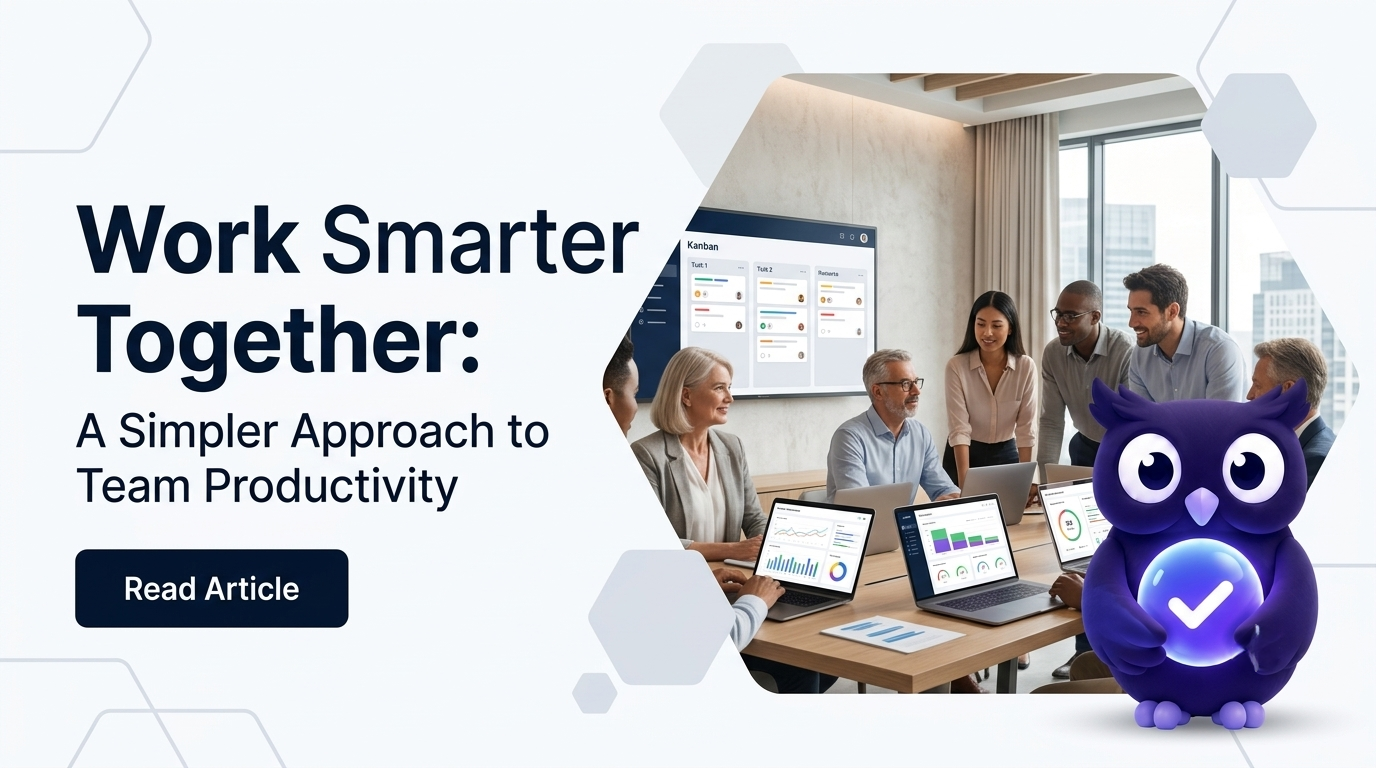
This is exactly why tools like Ollie the Owl exist inside platforms like MyTaskOwl. An AI workplace companion that sends encouraging feedback, celebrates milestones, and nudges productivity when things slow down does more than track hours — it builds a culture of recognition into the daily workflow, even when your team is scattered across time zones.
7. You Can’t Answer “What Did We Actually Get Done This Week?”
If a leadership meeting starts with “let me check a few different tools before I answer that,” you have a reporting problem. Decision-makers need instant access to productivity data, not a scavenger hunt across five different apps.
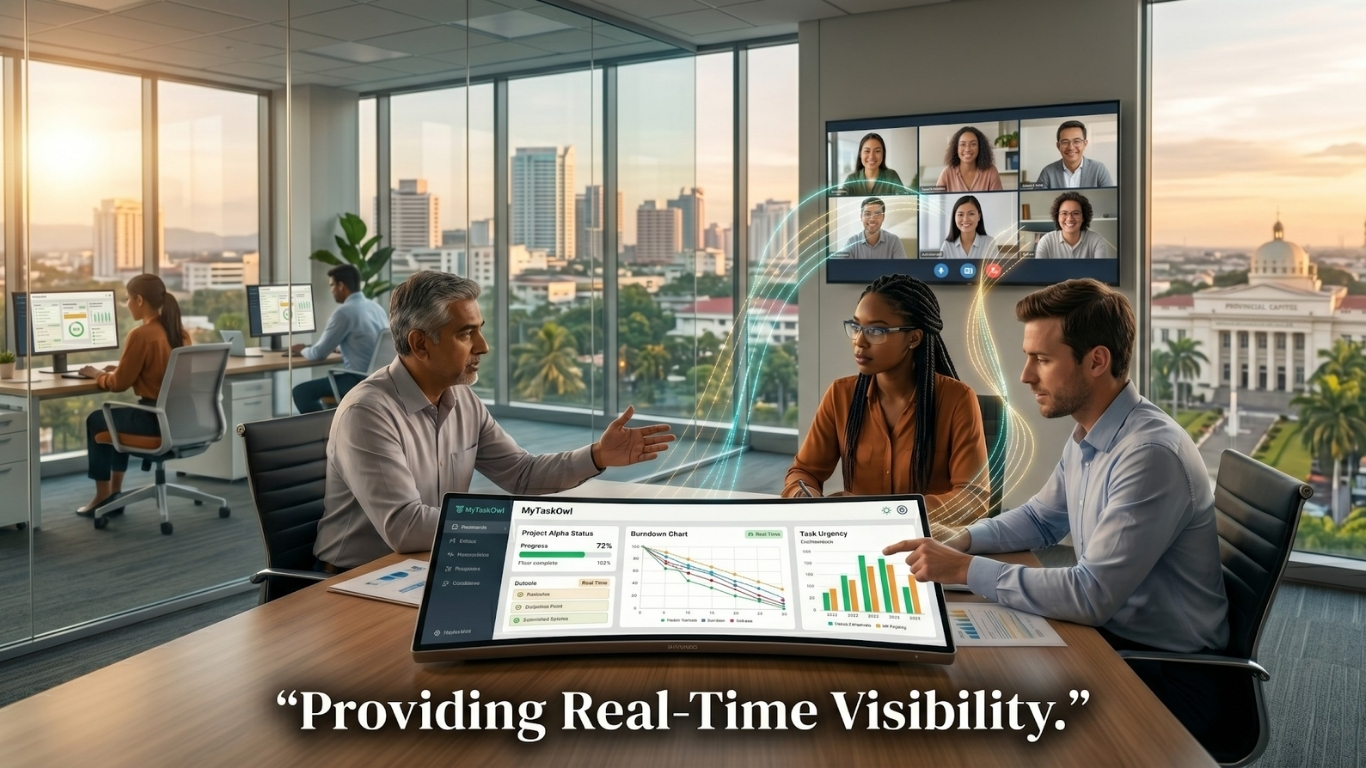
Centralized, automated reporting solves this. Real-time dashboards covering attendance, task completion, and project progress mean any manager can answer “what got done?” in seconds — not after compiling data for an hour.
The Bottom Line
None of these problems are unique to your team — they’re symptoms of trying to manage distributed work with tools built for a different era. The fix isn’t hiring more managers to babysit timesheets. It’s adopting a remote workforce management platform that combines time tracking, scheduling, task management, and team morale into one connected system.
MyTaskOwl was built specifically for this challenge — blending AI task management software with calendar integration, shift scheduling, and Ollie AI’s motivational nudges to keep remote, hybrid, and in-office teams aligned, accountable, and genuinely engaged.
Ready to stop guessing and start tracking smarter? Explore MyTaskOwl’s features or download the app to see how AI-powered time tracking can transform your team’s productivity — starting today.